Explore NBCT features through actual mobile and web application screenshots.
What NBCT does
NBCT is a mobile and browser-based tool for recording, monitoring and closing comments raised during newbuilding inspections. Every comment receives a unique reference number and can include up to four photographs. Site teams, shipyard stakeholders and head-office personnel can follow progress without maintaining separate spreadsheets.
.png)
.jpg)
Registration and access
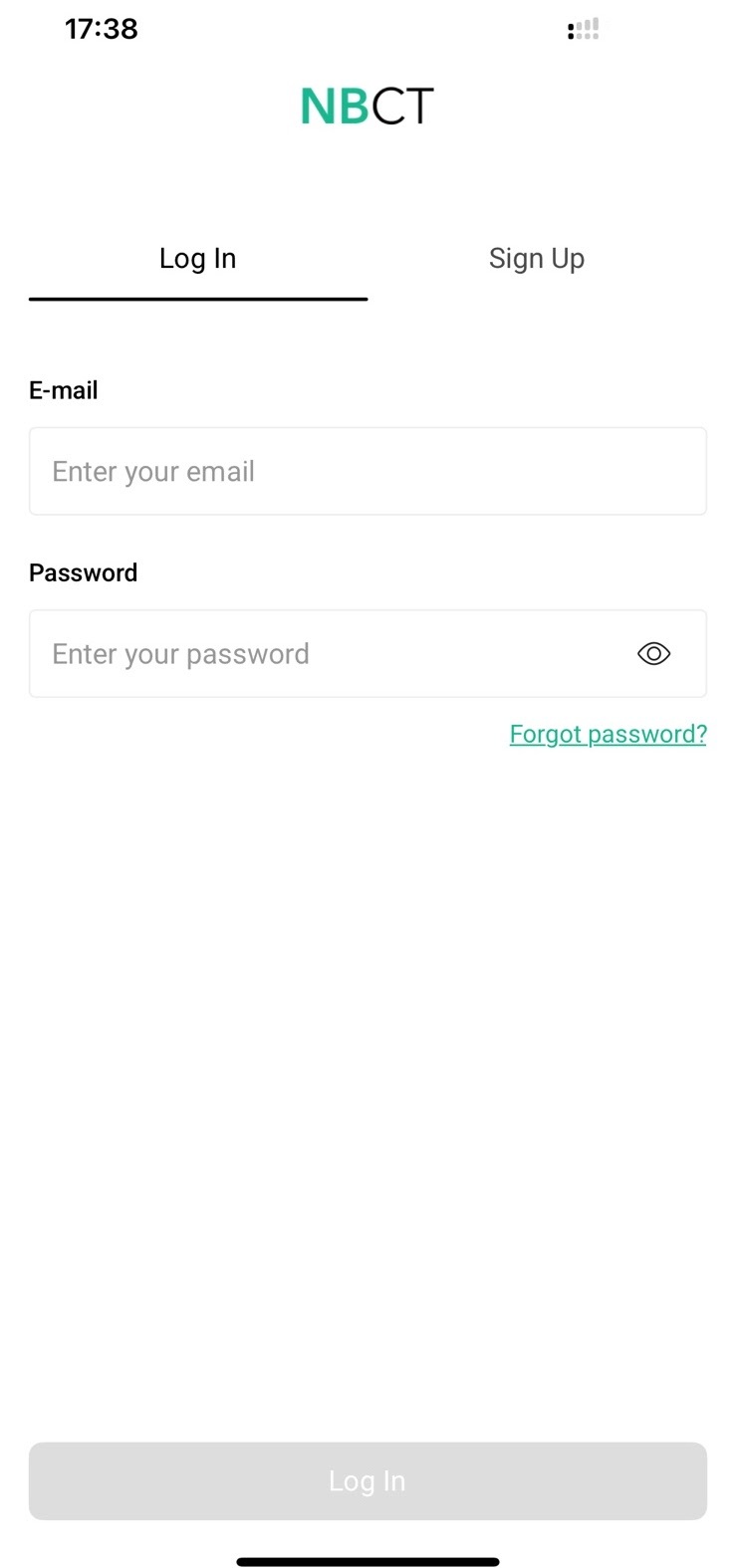
New users sign up or log in. A Project Manager or Site Manager approves accounts and assigns each user to the appropriate project or subproject before they can work in the application.
.jpg)
Mobile home and statistics
The mobile home screen summarizes inspection activity and provides access to comments and Excel reports. It supports inspectors who need a quick view of the current project status.
.jpg)
Creating inspection comments
Select the comment type and the yard department responsible for rectification. Describe the issue and add up to four photographs. On slow connections, text can be submitted first and photos added later.
.jpg)
.jpg)
.jpg)
Offline work and drafts
Comments can be prepared without an internet connection and synchronized when connectivity returns. Drafts provide an alternative way to save a comment and submit it manually later.
.jpg)
.jpg)
Finding and closing comments
Inspectors can search by unique comment number or text content, making individual items easier to locate within large projects. Once the shipyard rectifies an issue, an authorized user can close the comment.
.jpg)
.png)
Activity notifications
Notifications help teams see when colleagues create or close comments. They provide a convenient record of day-to-day activity without collecting separate status updates.
.png)
Web dashboard and progress
The browser dashboard displays comment statistics and progress over time. Teams can review day, week, month or selected-period performance, including progress for meetings with the shipyard.
.png)
.png)
Excel reports
NBCT generates Excel reports containing inspection comments and related details. Reports can be downloaded for project reviews, meeting preparation and further analysis.
.png)
Browser-based comments
Users can view their own comments or the full comment list, and create comments directly in the web application. The browser interface also supports attaching up to four photos from a computer.
.png)
.png)
Projects and subprojects
Project and Site Managers can create projects and subprojects, name them according to the project structure and assign members of the site or commissioning-and-testing teams to the relevant scope.
.png)
.png)
Specializations and user permissions
Managers can define specializations for shipyard personnel, contractors, technicians, classification representatives and other participants, then assign appropriate access levels. New accounts require approval and assignment.
.png)
.png)
Project archive
While a project is active, comment data is saved daily. When the project closes, records and photographs can be retained separately for reference.
.png)
For product enquiries, contact info@nbct.app.
NBCT on the App Store ↗ NBCT on Google Play ↗